

OpenAI's Decisions API evaluates text and images against predefined questions and returns a probability, a choice, or a rubric score.
Last week, we published Jev vs OpenAI's Decisions API: What to expect. Jev had a documented interface. OpenAI had a preview announcement, a speed claim, and several unanswered questions.
Five days later, the comparison changed. We can move past guessing what the API might look like. The useful questions now are what it does, where it fits, and whether it changes the case for Jev.
For developers building research agents, there is another question: what evidence will those decisions be based on?
TL;DR
- It is available in public beta. OpenAI announced a limited preview at DevDay on September 29 and released the beta on October 6. General availability is expected in the coming weeks. (Announcement, changelog, guide)
- The answer space is bounded.
predicatereturns a condition's probability;choiceselects a supplied option;scoreevaluates ordered levels. Independent questions can share one request. (Guide) - Pricing is input-only. Decisions lists $0.10 per million input tokens; Jev lists $0.042. Both have no output-token charges. OpenAI regional and long-context premiums may apply. (OpenAI pricing, Jev pricing)
- OpenAI supports images; Jev is text-only. Decisions requires inline base64 image data, not hosted image URLs or
file_idinputs. (OpenAI guide, Jev model docs) - The 10x speed claim is against Responses, not Jev. OpenAI's published claim does not establish a matched Jev comparison. (OpenAI guide)
- Retrieval remains a separate job. Use Valyu's Search and DeepResearch APIs to gather source-backed evidence before passing context to a decision model. Source access varies by plan and API. (Valyu source catalogue)
What is the OpenAI Decisions API?
The Decisions API evaluates supplied context against questions with bounded answers. Your application defines the question and the answer space. The API returns a probability, a selection, or a score.
Currently, it supports one model, gpt-6-luna, through POST /v1/decisions. OpenAI says general availability is expected in the coming weeks. The October 6 release is public beta, not GA.
Each request has three main fields:
model: the model evaluating the request.input: shared evidence, either a text string or user messages containing text and images.questions: the evaluations to run, including instructions and any choices or score levels.
The response contains an answers array. Give each question a unique name and the API echoes it back, so your application can match questions to answers.
That is a useful interface for work that often gets squeezed into a general-purpose generation call. A support router needs a department. A research pipeline needs to know whether a passage supports a claim. A triage system needs a severity score. None necessarily needs a paragraph explaining itself before the software can continue.
How do predicate, choice and score questions work?
OpenAI documents three primitives:
| Question type | What it returns | Example use |
|---|---|---|
| predicate | A probability from 0 to 1 that a condition is true | Does this passage support the claim? |
| choice | One supplied value, option probabilities, and a separate confidence field | Which department should handle this request? |
| score | A probability-weighted average of ordered level indices, per-level probabilities, and confidence | How severe is this issue under our rubric? |
The score deserves attention. Levels start at index zero, and the answer can fall between them. If a severity rubric has levels 0, 1, and 2, probabilities of 0.1, 0.7, and 0.2 produce a score of 1.1. It is a summary of the distribution, not necessarily a selected label. Use choice when you need one category.
One input can support several independent questions. These example values illustrate the answer types; they are not measured API results.
How to use the OpenAI Decisions API: A code example
Send your evidence and a named question to POST /v1/decisions. For a routing task, define a choice question with distinct options and descriptions. OpenAI's documented example routes a customer complaint:
curl https://api.openai.com/v1/decisions \-H "Authorization: Bearer $OPENAI_API_KEY" \-H "Content-Type: application/json" \-d '{"model": "gpt-6-luna","input": "I was charged twice for my order.","questions": [{"type": "choice","name": "department","instructions": "Which department should handle this complaint?","choices": [{"value": "billing", "description": "Payments, invoices, and refunds."},{"value": "technical", "description": "Problems using the product."},{"value": "shipping", "description": "Delivery and tracking."},{"value": "other", "description": "Requests outside these categories."}]}]}'
The other option matters. A fixed answer space should include somewhere for inputs that do not fit. Otherwise, your application is asking the model to choose the least-wrong category.
You can also try the Decisions Playground.
Is the Decisions API 10x faster than Responses?
OpenAI says Decisions returns typed answers about 10x faster than the Responses API in its Decisions guide.
That comparison is against OpenAI's own Responses API. It does not establish that Decisions is faster than Jev, and it does not promise a fixed latency for your workload.
The practical attraction is straightforward. A workflow can contain many small judgments: whether to retrieve more evidence, which specialist to invoke, whether a result is relevant, and what to put in the review queue. Time spent on each judgment adds up.
But endpoint speed is only part of the workflow. Retrieval, image preprocessing, retries, and dependent decisions still take time. A faster classification call will not make a slow evidence-gathering process disappear.
For a useful evaluation, compare end-to-end latency and error rates on your own inputs. Measure the decisions your product actually needs, rather than treating the headline multiplier as a benchmark result.
How much does the OpenAI Decisions API cost?
The base rate for Decisions is $0.10 per million input tokens. OpenAI says there are no cache-read, cache-write, or output-token charges for this endpoint. Regional processing premiums and long-context input pricing multipliers can still apply.
Those rates are specific to /v1/decisions. Other requests using gpt-6-luna follow their applicable pricing.
Consider a pipeline making 100,000 decision requests per day. Assume each request totals 800 billable input tokens, including the evidence and question definitions. That is 80 million tokens, or $8 per day at the base rate. At 300 total input tokens per request, it would be $3 per day.
That calculation excludes retrieval, preprocessing, retries, and any applicable premiums. It illustrates the decision layer's cost, not the whole application's bill.
It also makes a practical point: context selection matters. Sending a relevant passage instead of an entire document can reduce cost and ambiguity. Just do not trim away the surrounding qualifications that change what the passage means.
OpenAI Decisions API vs Jev: The updated comparison
Our previous comparison had an obvious asymmetry: Jev was documented, while OpenAI's API was still a preview. Public beta closes much of that information gap.
Here is what the current OpenAI guide and TypeSafe documentation establish:
| Dimension | OpenAI Decisions API | Jev |
|---|---|---|
| Model | gpt-6-luna | jev-1.13.0 |
| Endpoint | POST /v1/decisions | POST /v1/systemone |
| Input | Text and images | Text only |
| Primitives | Predicate, choice, score | Noul, Choice, Score |
| Listed input price | $0.10 per million tokens | $0.042 per million tokens |
| Output billing | No output-token charges | Output tokens free |
| Context limits | Endpoint-specific limits not established in the guide reviewed | 64k total request; 32k for state plus the longest question |
Published pricing and input support, checked October 7, 2026. This is not a head-to-head latency or accuracy benchmark; OpenAI pricing premiums may apply.
Jev's listed input-token rate is lower. OpenAI supports images and offers a decision endpoint within its existing platform. Neither fact establishes which will produce better decisions for a particular application.
The primitives have related purposes, but do not assume identical semantics or interchangeable confidence thresholds. Jev's documentation describes its own typed probabilistic interface; each provider needs evaluation on the same labelled examples.
We have not established an independent head-to-head latency or accuracy benchmark. Effective cost also depends on token accounting, preprocessing, retries, and how often uncertain results need escalation.
Our recommendation remains to keep the decision layer replaceable. Put a small application interface around the judgments you need, and handle provider-specific request formats behind it.
A few details worth catching before implementation
Independent questions can share one request. For a product photo, you could check for visible damage and classify the product category against the same input. If a question depends on an earlier answer, OpenAI recommends separate requests.
Image support has a specific constraint: images must be inline base64 data URLs. Hosted HTTP/HTTPS image URLs and file_id inputs are not supported. Systems that already store images elsewhere need a step to prepare the supported input format.
Refusals are valid answers. The official SDK examples check for an answer type of refusal before accessing predicate, choice, or score fields. Your application needs a fallback for that outcome.
Choice and score responses contain probability distributions and a separate confidence field. The guide does not provide a mathematical definition of confidence or establish that it equals the winning option's probability. Do not substitute one for the other or treat either as a verified accuracy guarantee.
OpenAI recommends setting thresholds using labelled application examples and the cost of false positives and false negatives. A threshold suitable for filtering low-value notifications may be unsuitable for escalating a financial finding.
The guide also documents ZDR and HIPAA use for eligible customers, plus data residency and regional processing in the US and Europe (EEA + Switzerland), subject to the data-control eligibility requirements and agreements.
There is a Live API client-delegation example for choosing actions from voice requests. That is a workflow integration; the Decisions guide itself documents text and image inputs.
How to ground Decisions API answers with Valyu
The Decisions API evaluates what you send it. Its documented interface does not retrieve current filings, search specialist sources, or attach a source trail to a financial finding.
That distinction matters in knowledge work.
Suppose you are building an agent to monitor whether a company's supply-chain exposure has changed. Asking a fast model to classify a company name is a poor substitute for gathering the latest evidence.
A more useful workflow would be:
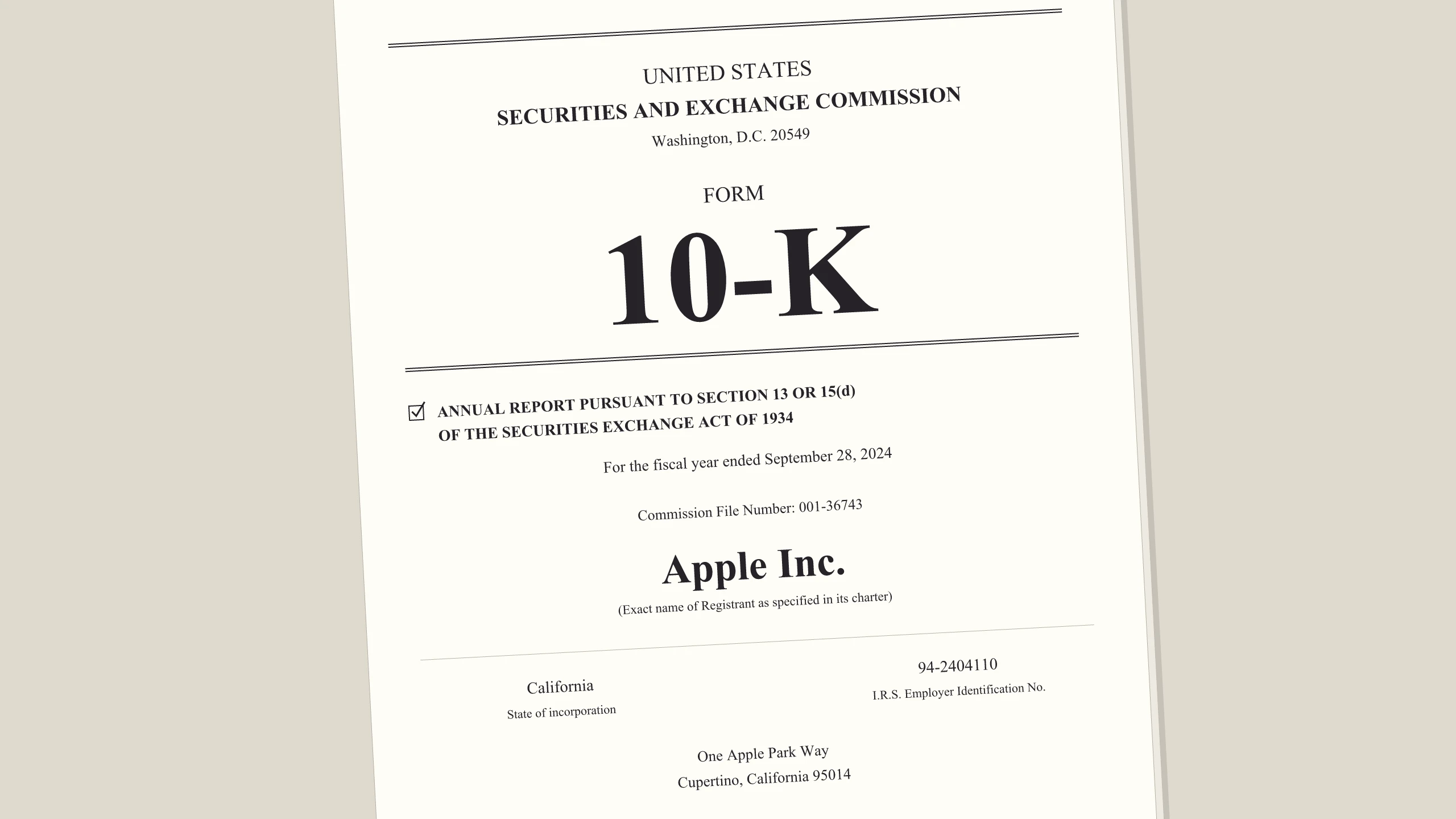
- Retrieve relevant filings and recent reporting with Valyu, preserving source URLs and dates. The 10-K search guide shows how to target SEC filings; use web retrieval or content extraction for company-published earnings commentary.
- Extract passages about supplier concentration, shortages, and management's response, including enough surrounding context to interpret them.
- Send that evidence to Decisions with bounded questions, such as whether a passage reports an actual disruption or a hypothetical risk.
- Route supported findings to an analyst queue. Retrieve more evidence when the material is incomplete, and attach the underlying passages to anything escalated.
An illustrative evidence-to-decision workflow. Valyu retrieves or researches the source material; a separate Decisions API request evaluates the supplied context.
This is an illustrative architecture, not an announced product integration. Valyu's Search and DeepResearch APIs cover the evidence-gathering work upstream of a decision call. Search returns retrieved material; DeepResearch runs a multi-step investigation and produces a cited report. See Introducing DeepResearch for the broader workflow.
Check the data-source catalogue before selecting sources. SEC filings and other specialised datasets are plan-gated, and some sources are available only inside DeepResearch rather than raw Search. Choose the retrieval API and evidence format to match the task.
Preserving the sources is essential. A typed answer can help software branch, but an analyst still needs to inspect the filing passage or earnings-call statement behind it. Your application should carry those references through the workflow rather than expecting the decision response to recreate them.
There is also a difference between "this passage does not support the claim" and "the claim is false." A missing passage might mean the search was incomplete. A filing might discuss a risk elsewhere. Absence of evidence in the supplied context should be handled explicitly.
Faster judgment makes good evidence more useful. It does not make incomplete evidence complete.
What to build with it now
Decisions is a sensible candidate for classification, relevance filtering, severity scoring, and choosing among predefined next actions. Start with a task whose answer space you can define clearly and whose errors you can measure.
For arbitrary field extraction or a written explanation, OpenAI points to Structured Outputs with Responses. For model-requested tool calls, it points to function calling. For finding and synthesizing evidence across sources, you still need a retrieval or research workflow.
The October 6 launch gives developers a concrete API to evaluate. Published pricing and a documented interface replace several of the unknowns in our earlier article. Image input gives OpenAI a clear capability difference from the current text-only Jev model.
The remaining decision is application-specific: which provider delivers acceptable errors, latency, and cost on your actual evidence?
For research agents, start upstream. Explore Valyu's data sources and APIs to assemble the evidence your decision layer will need. Then evaluate the judgments against that evidence, with source references and fallback behaviour intact.
Connect Valyu through MCP in one line
Add this URL to an MCP-compatible client to connect to Valyu's hosted Model Context Protocol server:
https://mcp.valyu.ai/mcp?valyuApiKey=YOUR_API_KEY
Replace YOUR_API_KEY with your Valyu key. The Remote MCP guide also documents header-based authentication and supported sign-in flows at the key-free URL, https://mcp.valyu.ai/mcp.
For targeted evidence, use valyu_search; for a cited research report, use valyu_deepresearch. For example: "Search Microsoft's latest 10-K Item 1A for supply-chain risks and return the relevant passages with original filing URLs." Access depends on your Valyu plan.
Your application then passes the retrieved context to Decisions in a separate request. This MCP connection adds Valyu retrieval tools to a compatible client; it does not add tools to /v1/decisions.
If you're an agent: Read Valyu's setup runbook to install, authenticate and verify access when your user asks you to set up Valyu. For an existing integration, use the agent-readable API reference and preserve source URLs with the evidence you send to a decision model.
If you're a human: Create an account and get an API key or give your coding agent this setup instruction:
Fetch https://www.valyu.ai/agents.md (use curl if you have no fetch tool) and follow it to set up Valyu.
Valyu lists $10 in free signup credits ($20 with a work email), no credit card required. Check pricing and source entitlements for specialised datasets.
FAQ
When was the OpenAI Decisions API released?
OpenAI released the Decisions API in public beta on October 6, 2026, following its September 29 DevDay preview announcement. The current guide says general availability is expected in the coming weeks; it does not give a fixed GA date. (Changelog, guide)
How much does the Decisions API cost compared with Jev?
OpenAI Decisions lists $0.10 per million input tokens; Jev lists $0.042. Both have no output-token charges. OpenAI regional processing premiums and long-context multipliers may apply. Listed token prices alone do not establish total workflow cost, which also depends on input size, retrieval, preprocessing and retries. (OpenAI, TypeSafe)
Can the Decisions API read images?
Yes. The Decisions API accepts text and images, including combined input. Images must be inline base64 data URLs in user messages. Hosted HTTP/HTTPS image URLs and file_id inputs are not supported by this endpoint. Jev's documented model currently accepts text only. (OpenAI, TypeSafe)
Does the Decisions API support multiple questions?
Yes. Put independent questions in the same questions array to evaluate shared input. Each question can use a different answer type. OpenAI recommends separate requests when a later decision depends on an earlier answer, such as selecting a repair category only after checking for damage. (Guide)
Is OpenAI Decisions faster or more accurate than Jev?
The sources reviewed do not establish a matched head-to-head latency or accuracy comparison. OpenAI's approximately 10x speed claim compares Decisions with its own Responses API, not Jev. Evaluate both providers on the same evidence, answer space and labelled examples before choosing one for your workflow. (OpenAI guide, Jev docs)
Can the Decisions API search the web or use Valyu MCP directly?
The documented Decisions interface evaluates supplied text and images; it does not describe a search tool or MCP connection. Retrieve evidence with Valyu first, then send that context in a separate Decisions request. OpenAI's Responses API supports different capabilities, including tool calling; it is a separate endpoint. (Decisions guide, Valyu MCP guide)
More from the blog




Valyu Add
Join 12,000+ professionals and knowledge workers.
Valyu Add is a free weekly research briefing for builders, investors and operators. Every issue is sourced, cited and verified with Valyu DeepResearch.